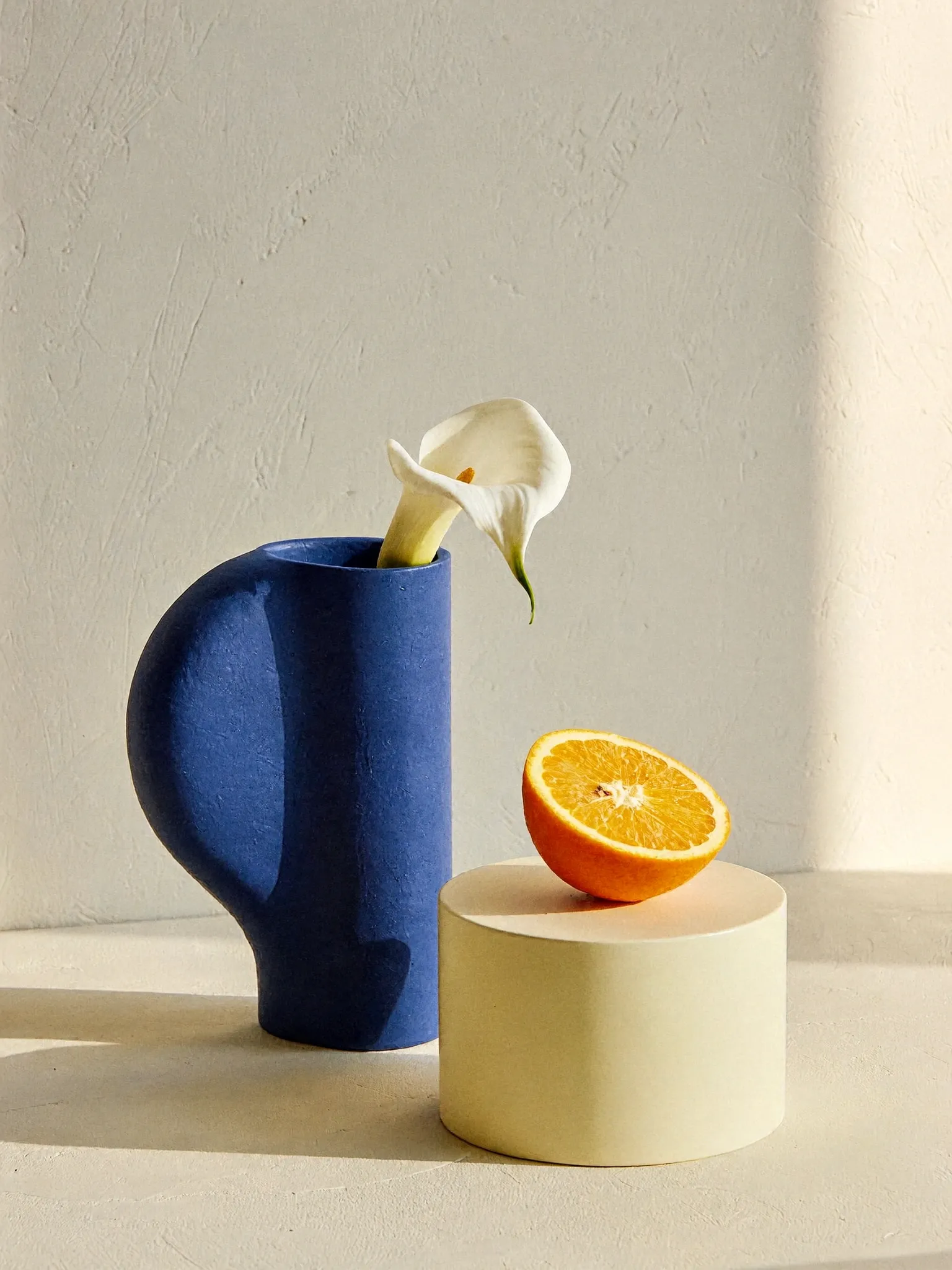
Anchor the subject.
Start with a visible object and its reference number: “the blue vase in Image 1.” A positional clue helps when several similar objects appear in the same image.
No ComfyUI installation required.
Keep what you love.
Change what comes next.
The H3 Image Editor transforms up to 16 references with a written instruction. Change a material, rethink a background, or bring a few ideas into one frame.
Drag the divider to compare the original input and the H3 Image edit. The prompt requests one color change and explicitly preserves the surrounding scene.
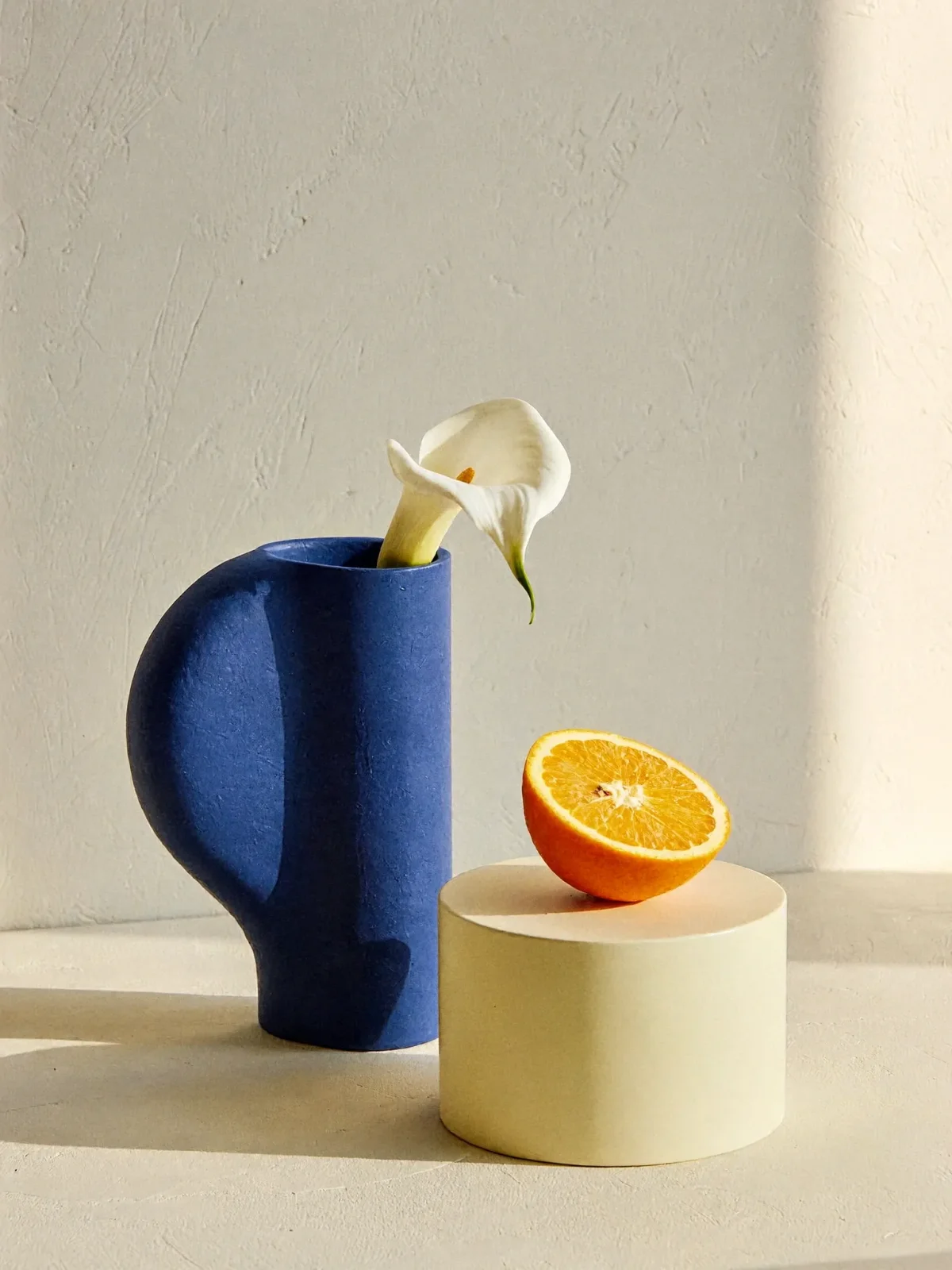
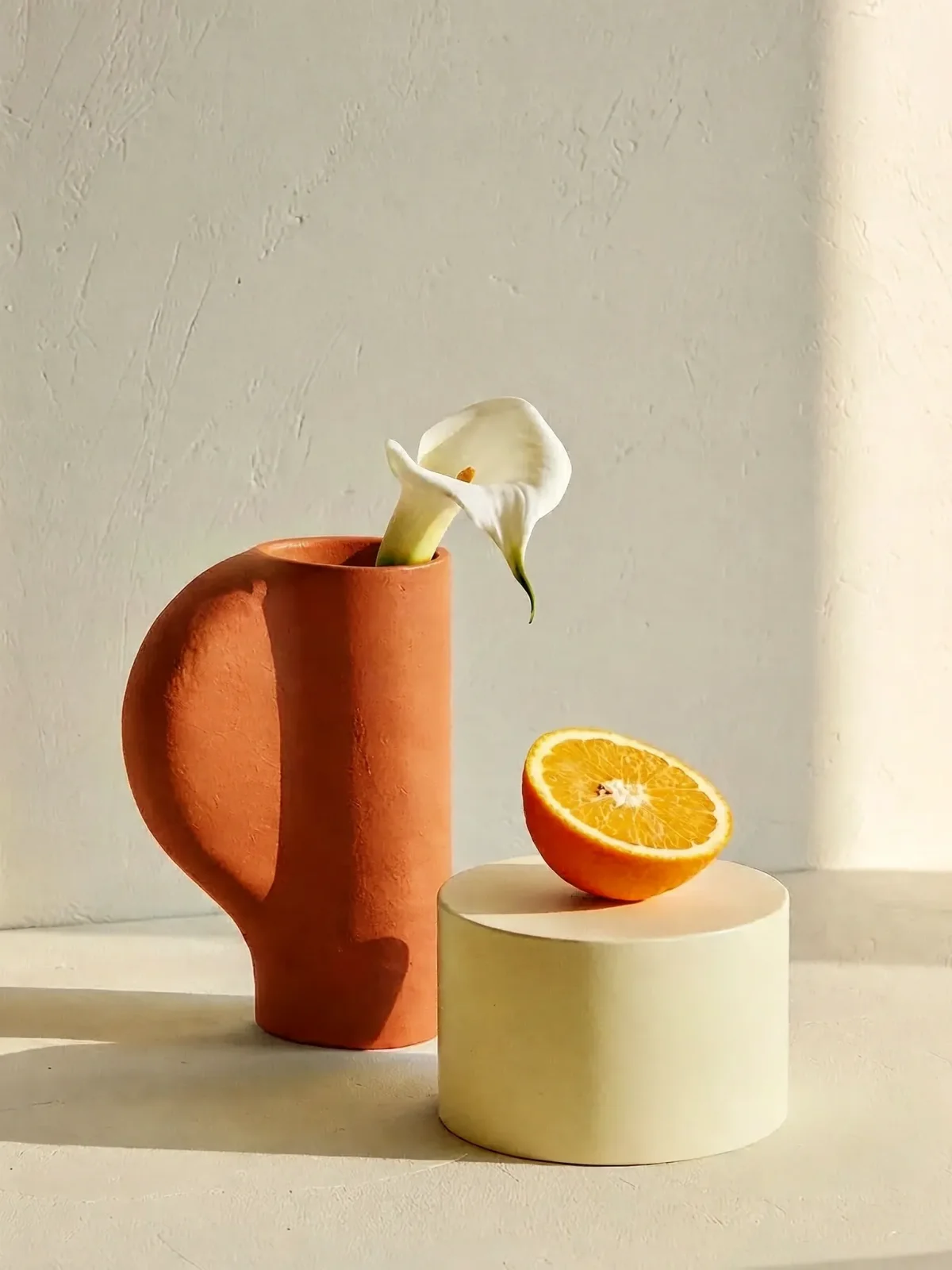
Ask for one specific change, then name the details that should stay. Here, the vase changes from cobalt to terracotta while the flower, orange, lighting and composition remain the reference.
Change only the cobalt blue ceramic vase in Image 1 to warm terracotta orange. Preserve its silhouette, matte material, the white calla lily, the halved orange, the pedestal, lighting, shadows, camera angle and background. Do not add objects or text.Original input and edit made for this site with MiniMax H3 Image. Compare the actual result; object preservation is not guaranteed.
| Model | MiniMax H3 Image |
|---|---|
| Provider | fal.ai |
| Task | Change the vase from cobalt blue to terracotta |
| Reference images used | 1 |
| Input size | 1536 × 2048 |
| Output size | 1536 × 2048 |
| Provider-reported inference time | 21.24 seconds |
| Recorded date |
This example records one vase-color edit using one reference image. The input and output were both 1536 × 2048 pixels. fal reported 21.24 seconds of inference time for this run; this is not the total browser waiting time or an average speed benchmark.
Use the slider to check the color change, then compare the vase outline, flower, fruit and shadows. One recorded result does not establish a success rate.
The workspace’s file-selection limit is 16. This published edit used one reference image.
Start with a visible object and its reference number: “the blue vase in Image 1.” A positional clue helps when several similar objects appear in the same image.
Use a concrete action: replace, recolor, remove or restyle. “Make it more premium” is ambiguous. “Replace the plastic cap with brushed silver metal” gives the model something visible to do.
List the silhouette, label text, camera angle or lighting you want preserved. For product work, check fine print and geometry manually before treating an image as a finished catalog asset.
H3 Image editing can combine up to 16 references, but more inputs are not automatically better. Start with the fewest references that explain your goal, and add another only when it contributes a distinct subject, style or layout.
Numbering follows upload order. If you remove Image 1 and re-upload it last, update your prompt. Conflicting references—two different camera angles or incompatible lighting—can create unnecessary uncertainty.
Start a fresh image insteadKeep this product’s shape, color and label.
Borrow this room’s lighting and background only.
Place the product on the table. Do not transfer other objects or text from Image 2.
Our recorded example makes one color edit at 1536 × 2048. It is the measured input/output pair shown above. This workspace offers 2K and 4K presets, with 4096 × 4096 available at 1:1. A separate region-mask input is not provided. The editor follows the current fal editing schema.
Model information checked
Straight answers before you create.
Yes. The H3 Image Editor uses the editing endpoint of MiniMax H3 Image. Supply a prompt and 1–16 reference images. The model can restyle a scene, change objects or combine visual references.
Our recorded example changes one vase color at 1536 × 2048. You can describe several changes, but they are not independently masked or guaranteed. Number the changes and inspect each result. The workspace has no separate mask input.
The workspace offers 2K and 4K presets, including 4096 × 4096 at 1:1 and 3072 × 4096 at 3:4. Our published recoloring result is 1536 × 2048. Preset availability and the dimensions of an actual recorded result are different facts.
Name both what changes and what stays. For example: recolor the vase, preserving its silhouette, material, location, lighting and background. Object consistency remains probabilistic, so check the actual output.
Uploads are designed to use private R2 storage and time-limited access. The local preview does not send reference images to fal unless live generation is explicitly configured. Only upload material you own or have permission to use.